What Gradeshuttle reads
Only when you press Grab or Fill: the column you click, and the student names on those same rows. Not other columns, not other tabs, not your browsing.
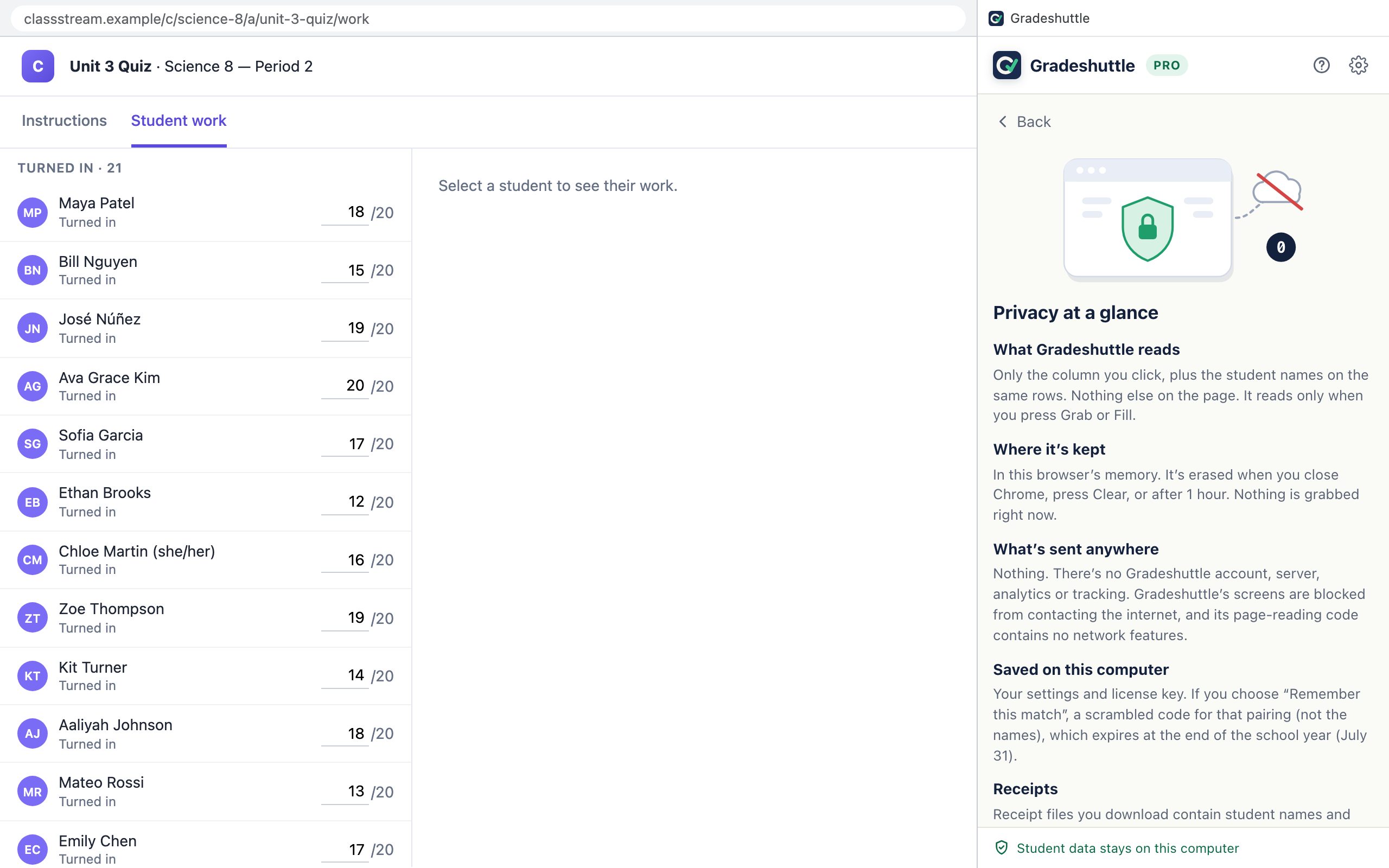
Where it’s kept and for how long
- Grabbed names and grades: in the browser’s memory, readable only by Gradeshuttle. The bottom of the panel counts down until they’re erased: after 60 minutes, when you press Finish & clear, or when you close Chrome.
- On your computer: your settings and license key and, only if you tick “Remember this match”, scrambled match codes that expire on July 31.
- Sent to Gradeshuttle or anyone else: nothing, ever. There’s no account and no server.
Erasing data
- Clear now (bottom of the panel) erases grabbed data immediately.
- Privacy at a glance › Delete all Gradeshuttle data on this computer removes settings, license key and remembered matches too. Press it twice to confirm.
- Receipts you downloaded are ordinary files; delete them like any other file.
Your school’s rules
Student information belongs to your school, and schools have rules about which tools can use it: POPA or PIPA in Alberta, FERPA and state laws in the US. Check that your school allows Gradeshuttle. If they need details, point them to Schools & districts.